 English
 Hindi
Hindi
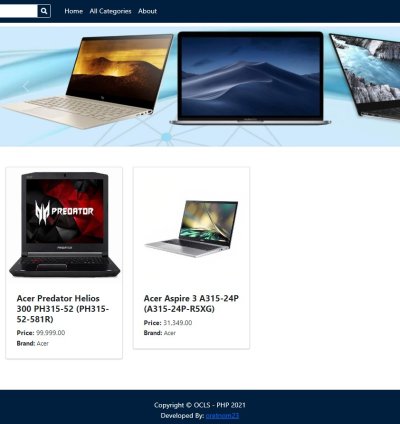
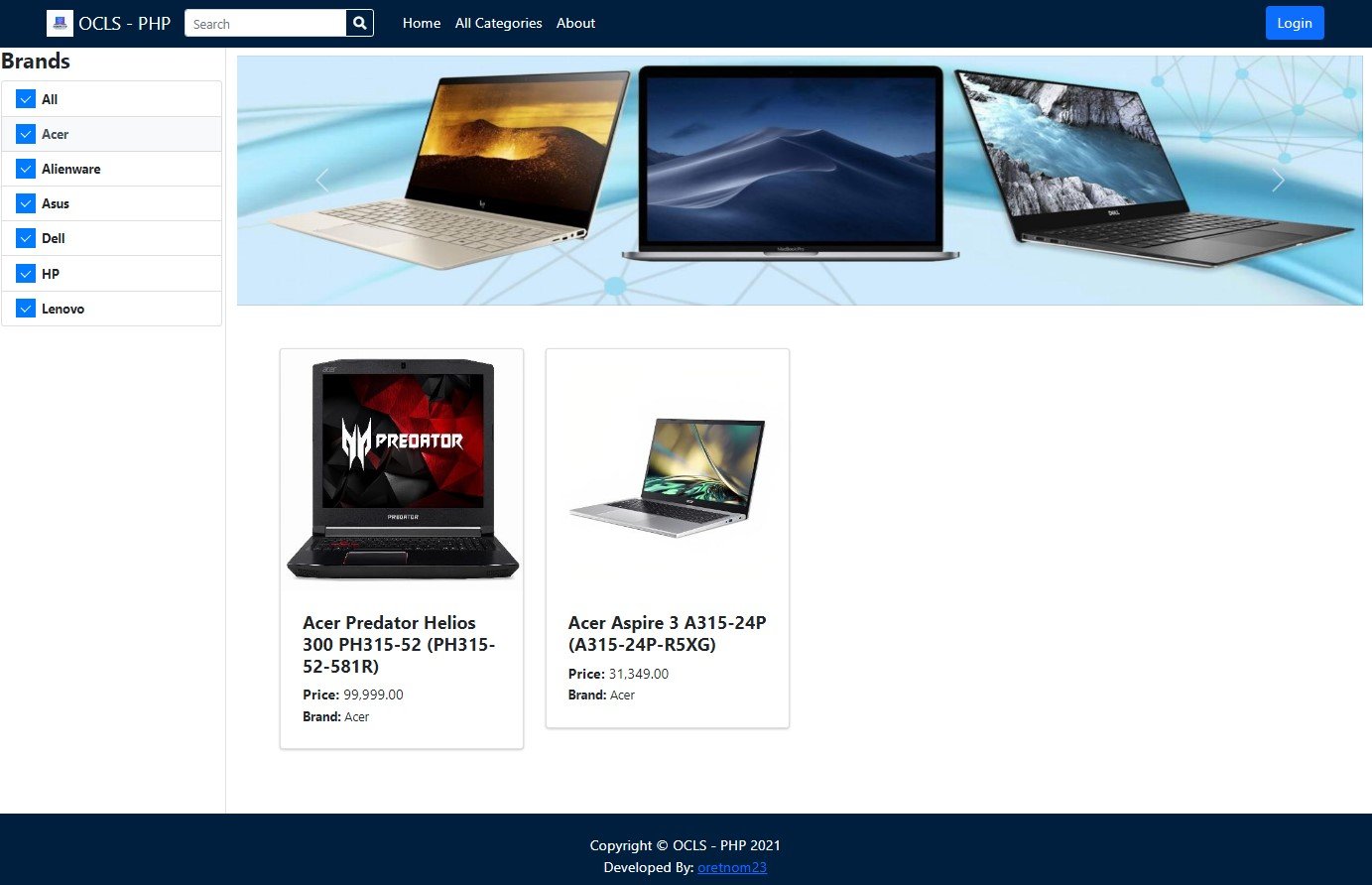
Features and Functionalities
Administrator
Login and Logout
Dashboard Page
Category List Management
Sub Category List Management
Brand List Management
Product List Management
Inventory Management
Order Management
Date-wise Printable Sales Report
Update System Information
User Management
Update Account Details
Client-Site
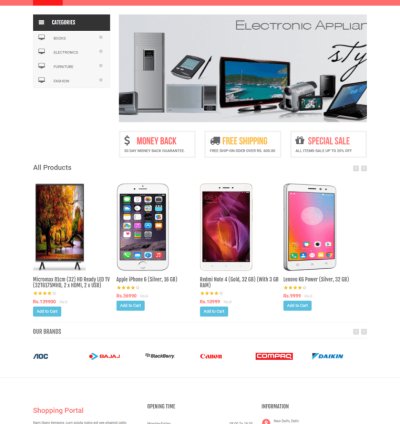
Product List
Filter Products By Brand
Filter Product By Category
Filter Product By Sub Category
Category List Page
Search Product
Login and Registration
Shopping Cart
Checkout
Online Payment using PayPal API
Order List
Logout
Technologies
Here are the following technologies I used for developing the Online Computer and Laptop Store:
How to Run?
Download and Install any local web server such as XAMPP.
Download the provided source code zip file. (download button is located below)
System Installation/Setup
Enable the GD Library in your php.ini file.
Open your XAMPP Control Panel and start Apache and MySQL.
Extract the downloaded source code zip file.
Copy the extracted source code folder and paste it into the XAMPP's "htdocs" directory.
Browse the PHPMyAdmin in a browser. i.e. http://localhost/phpmyadmin
Create a new database named ocls_db.
Import the provided SQL file. The file is known as ocls_db.sql located inside the database folder.
Browse the Online Computer and Laptop Store in a browser. i.e. http://localhost/php-ocls/ and http://localhost/php-ocls/admin for the management site.
Default Admin Access
Username: admin
Password: admin&123
No reviews found!



No comments found for this product. Be the first to comment!